
Three Node Connection Modes in Cellframe Wallet: Which One to Choose?
Category: About
Cellframe Wallet is not just a wallet for storing funds and processing transactions. It is a universal application that provides access to all services within the Cellframe ecosystem.
This year, Cellframe Wallet has undergone major changes. We have completely redesigned the app’s logic, making it more flexible and adding more features for users.
The key update is the three node connection modes: Local, Remote, and Ultra-Light. Depending on your needs, you can choose one of these modes, customize it, and switch between them if necessary.
Local Mode
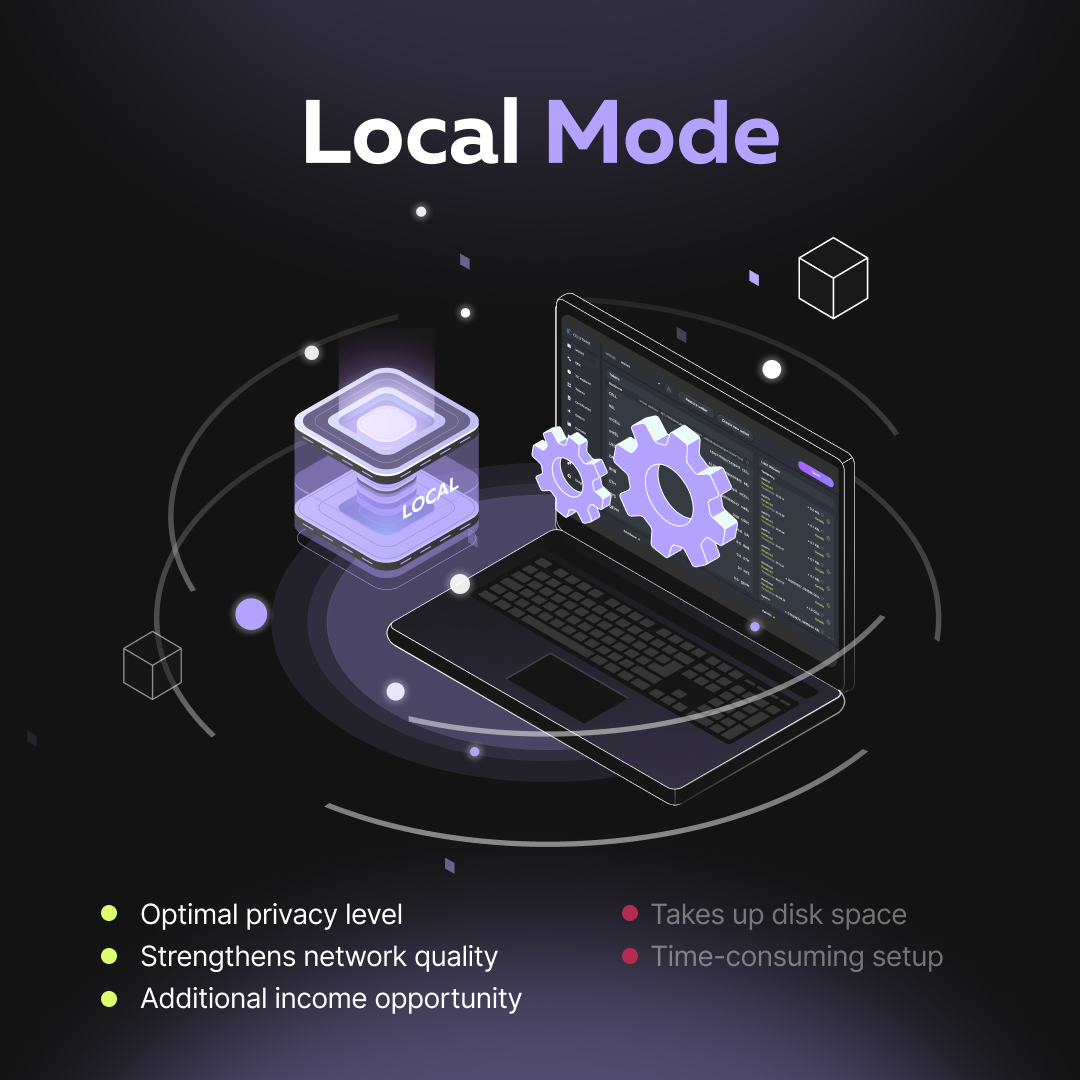
In this mode, both the node and the Cellframe Wallet app run on the same device.
A key feature of this mode is that only here can you run a masternode and earn rewards. A detailed setup guide is available in the Cellframe Wiki.
To use Local Mode, you also need to install the Cellframe Node app, which can be downloaded from our website.
Advantages:
· Optimal privacy level: The local node runs directly on your device — not on a third-party server, hosting, or VPS, but under your full control. This eliminates the need to rely on remote nodes and share personal data with them.
· Strengthens network quality: The more nodes, the higher the network’s reliability. Running a masternode also enhances blockchain decentralization.
· Additional income opportunity: In Local Mode, you can set up a masternode, participate in transaction validation, and earn rewards. This requires staking at least 10,000 $CELL, which grants you the 10 mCELL needed to launch a masternode.
Disadvantages:
· Takes up disk space: Local Mode requires storing a full copy of the blockchain. While the Cellframe blockchain is relatively small (currently 25 GB), you still need sufficient free storage.
· Time-consuming setup: Before using Local Mode, you must perform an initial blockchain sync — otherwise, the wallet won’t function properly. Depending on connection speed, syncing can take 30 minutes (with a gigabit connection) to 60 minutes (with 100 Mbps). In some cases, it may take several hours.
Best for: Privacy-conscious users who prefer maximum security, as well as those who want to run a masternode and become network validators.
Ultra-Light Mode
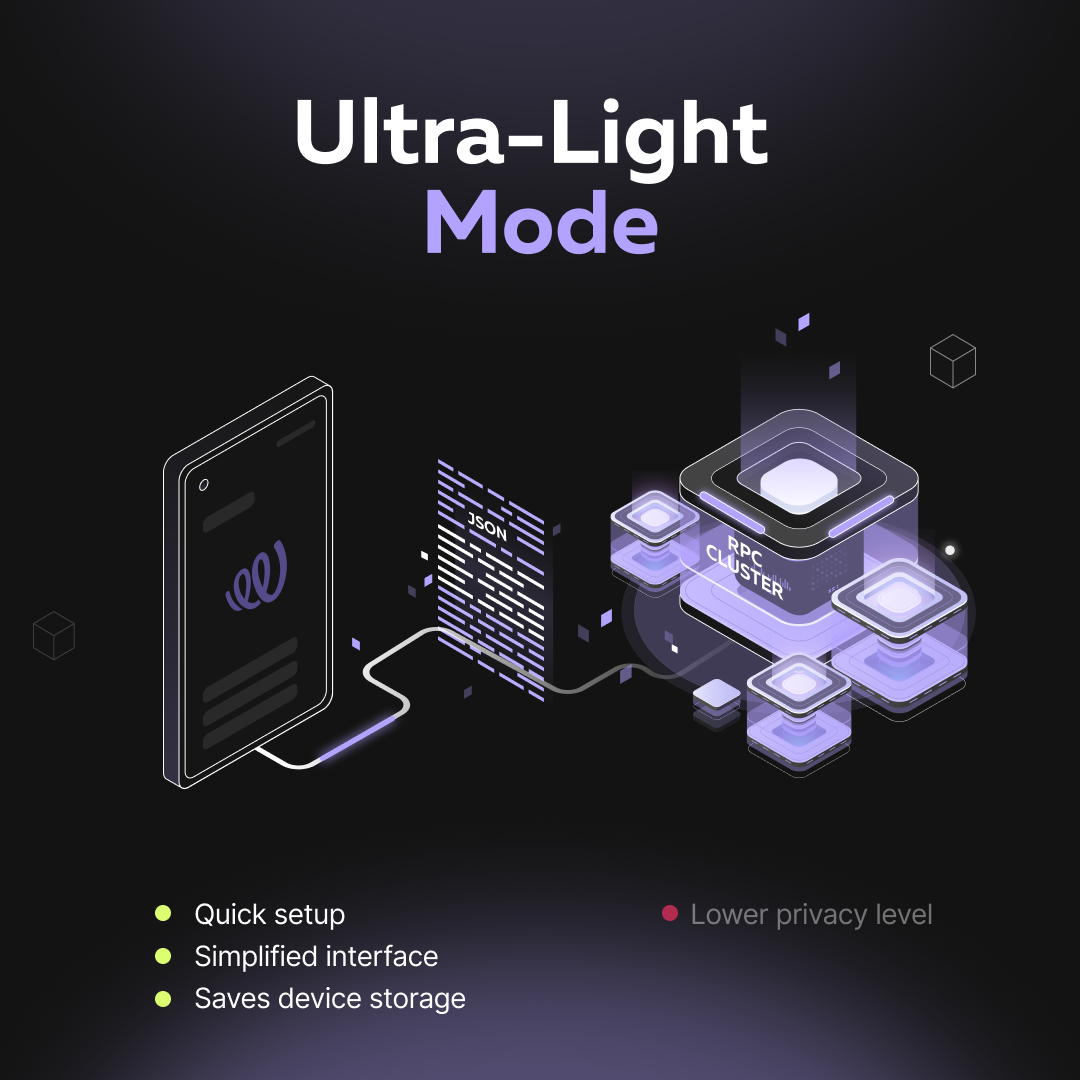
This mode uses public remote nodes by default. Unlike other modes, Ultra-Light stores minimal data and fully relies on remote public nodes. The system continuously monitors the load of all nodes in the cluster, automatically selects the least busy one, and routes requests to it — ensuring smooth load distribution.
While all core wallet functions remain available, the Console tab is disabled in Ultra-Light Mode.
Advantages:
· Quick setup: Cellframe Wallet is ready to use immediately after installation — no need to wait for blockchain download or sync.
· Simplified interface: Ultra-Light Mode offers an intuitive interface optimized for fast onboarding. We removed all complex node and blockchain-related settings since no configuration is needed.
· Saves device storage: For this mode, we developed a transaction assembler that converts data into JSON format and prepares it for sending to a remote public node.
Disadvantages:
· Lower privacy level: RPC nodes will see your IP address, allowing them to link it to your transactions.
Best for: Beginners and users who want the simplest and fastest way to use Cellframe Wallet.
Remote Mode
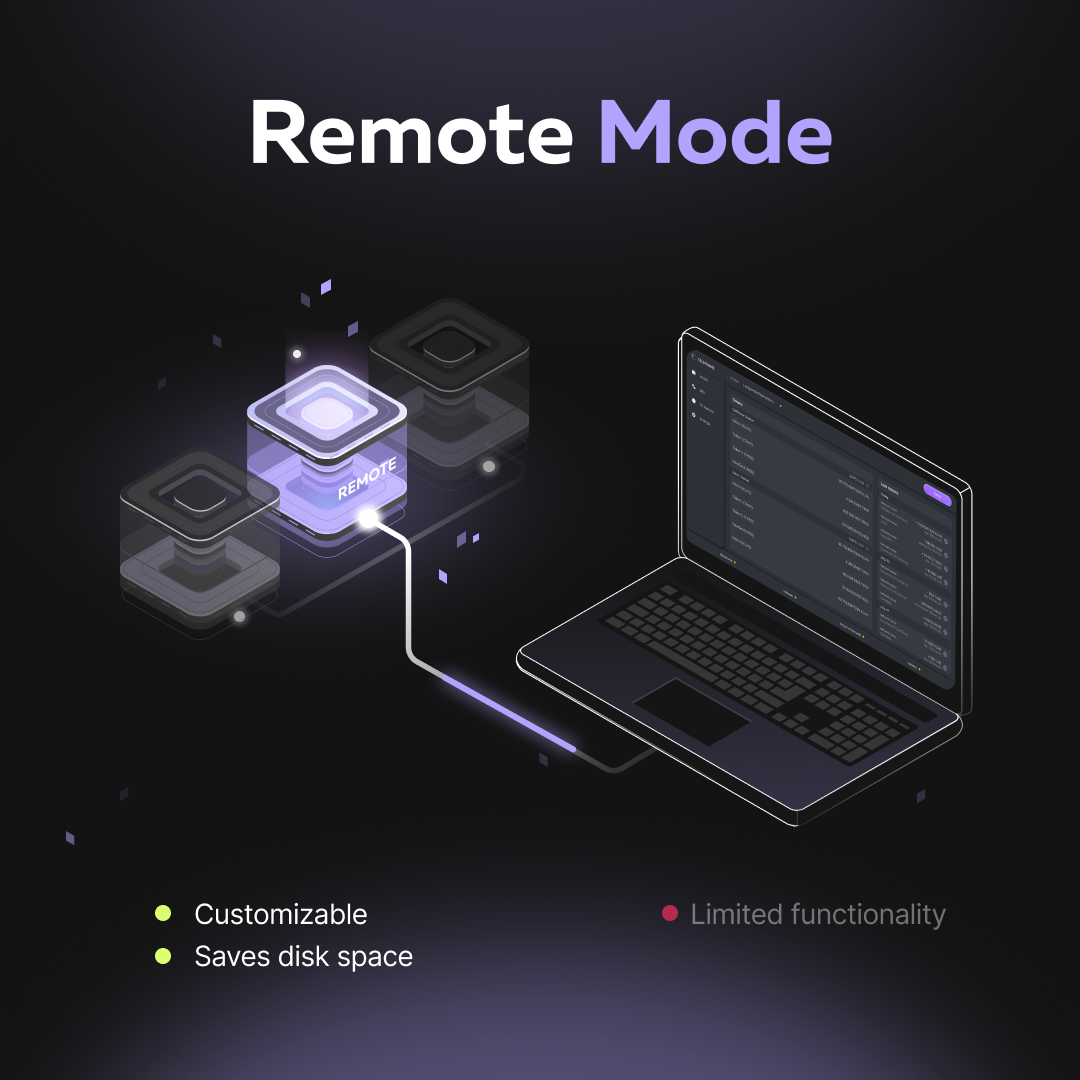
In this mode, you can connect to any remote node — including your own, running on another device in your local network. And you can monitor its status, for example, from a mobile phone.
Advantages:
· Customizable: Unlike Ultra-Light Mode, you choose which node to connect to.
· Saves disk space: No need to store a full blockchain copy — data sync happens through the remote node.
Disadvantages:
· Limited functionality: Some features, such as order and certificate management and masternode operation, are unavailable (unlike in Local Mode).
Best for: Advanced users who don’t want to use their main device’s storage and prefer an alternative to public nodes while still maintaining remote control.